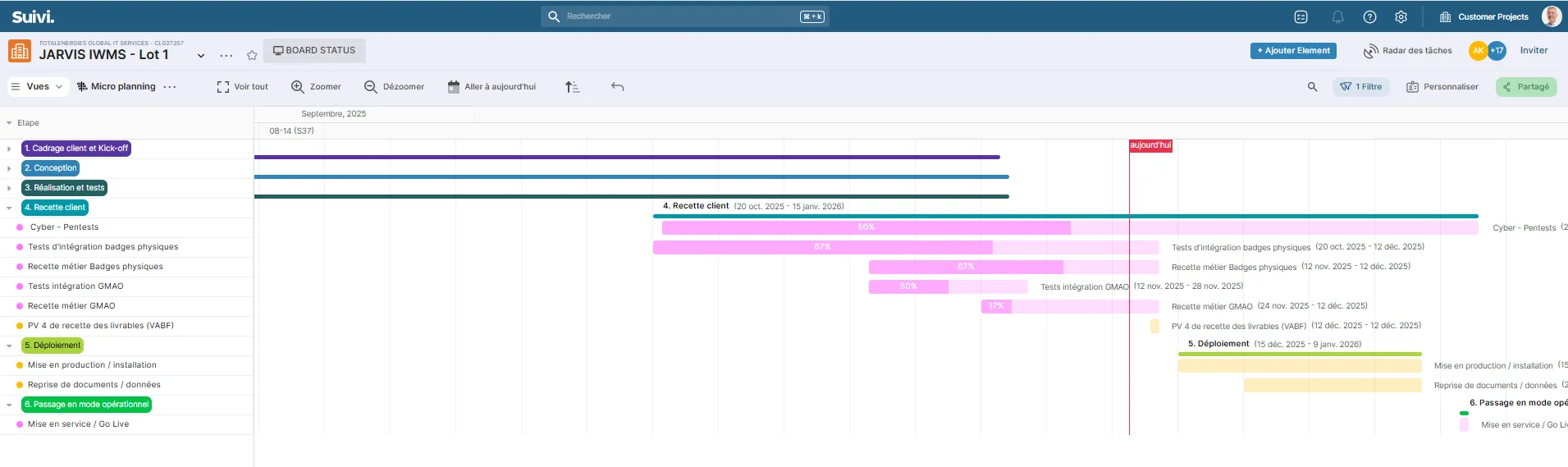
I frequently use Suivi to manage my projects and produce GANTT charts that I insert into pptx slides.
When a project is already advanced, I find myself with a large, empty, uninteresting space (see attached screenshot). I’d like to scroll further to the right to align my first bars with the task list, but I can’t!